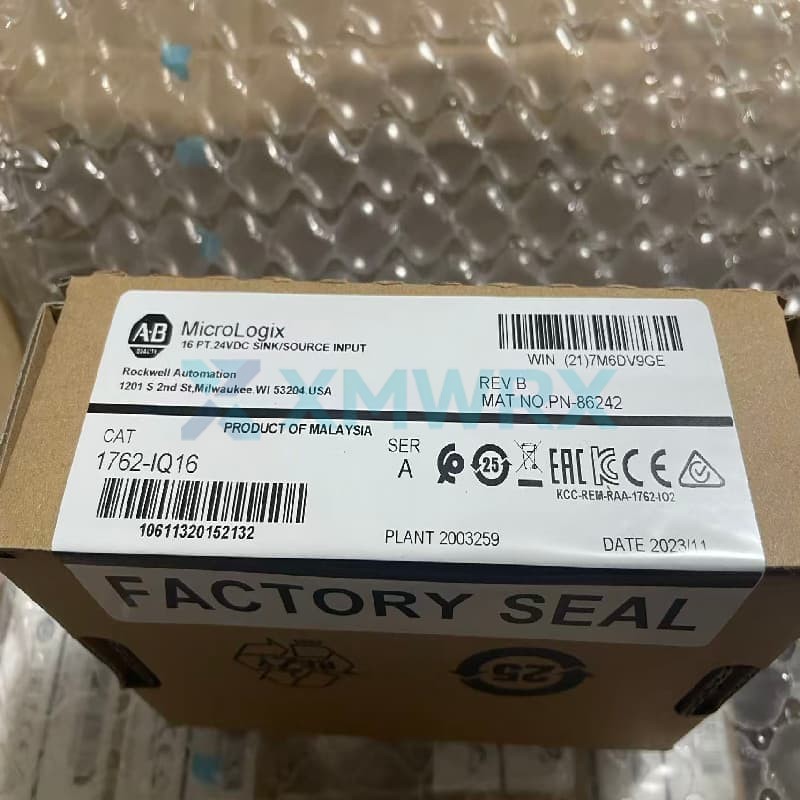
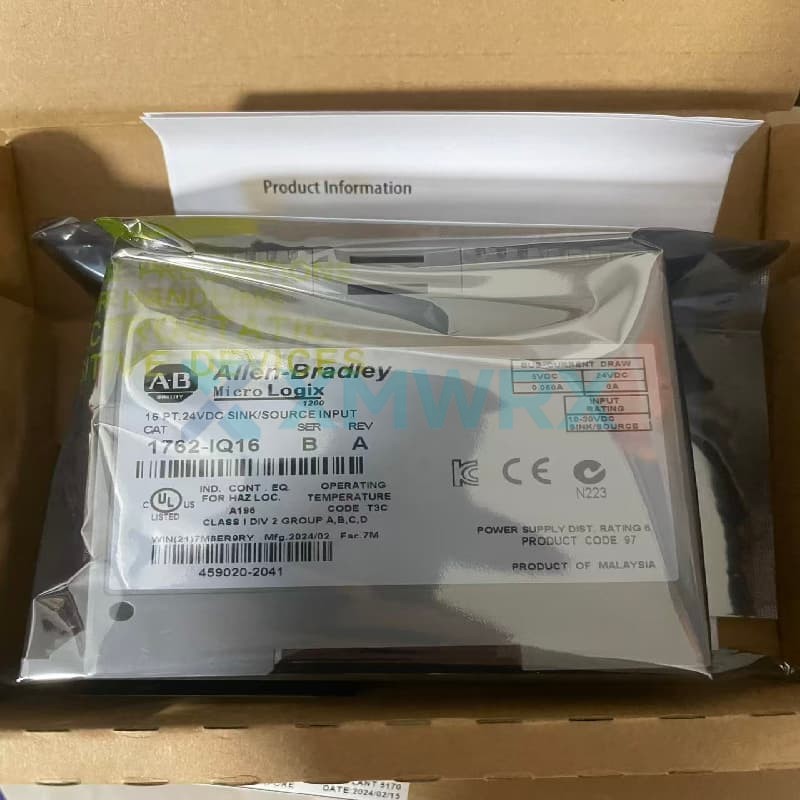
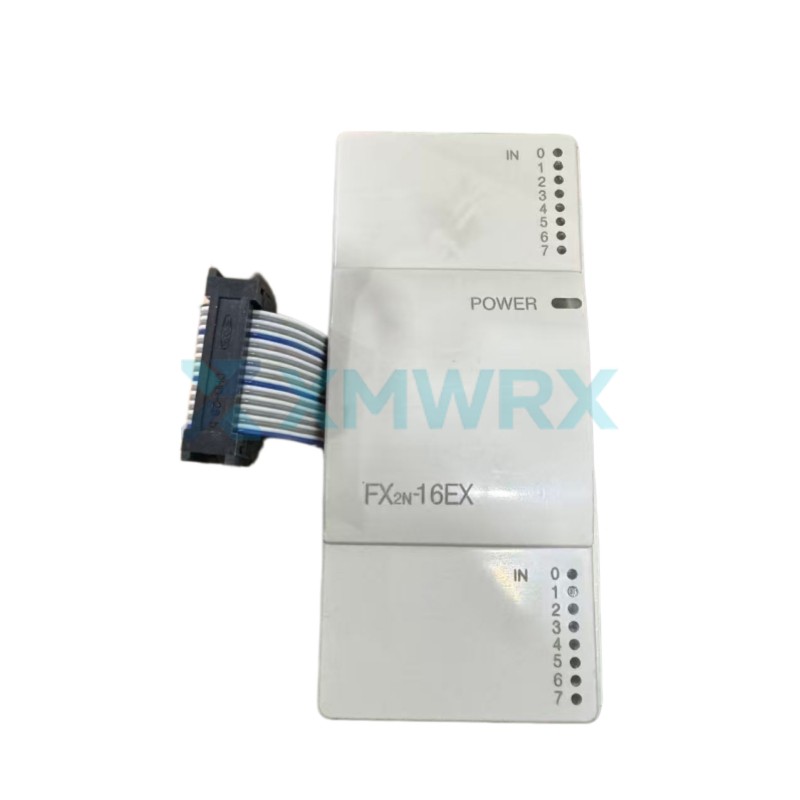
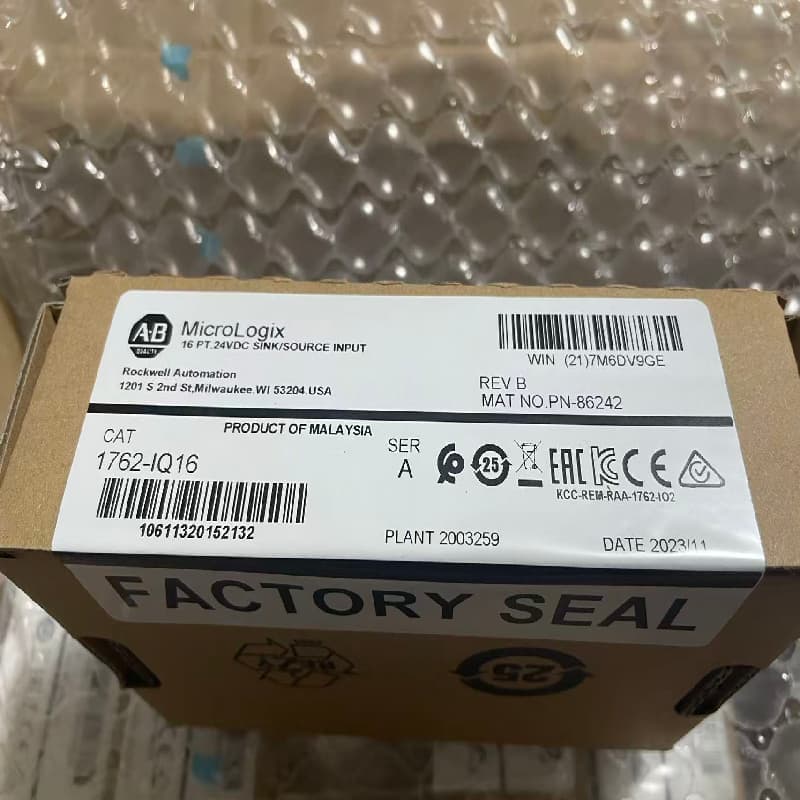
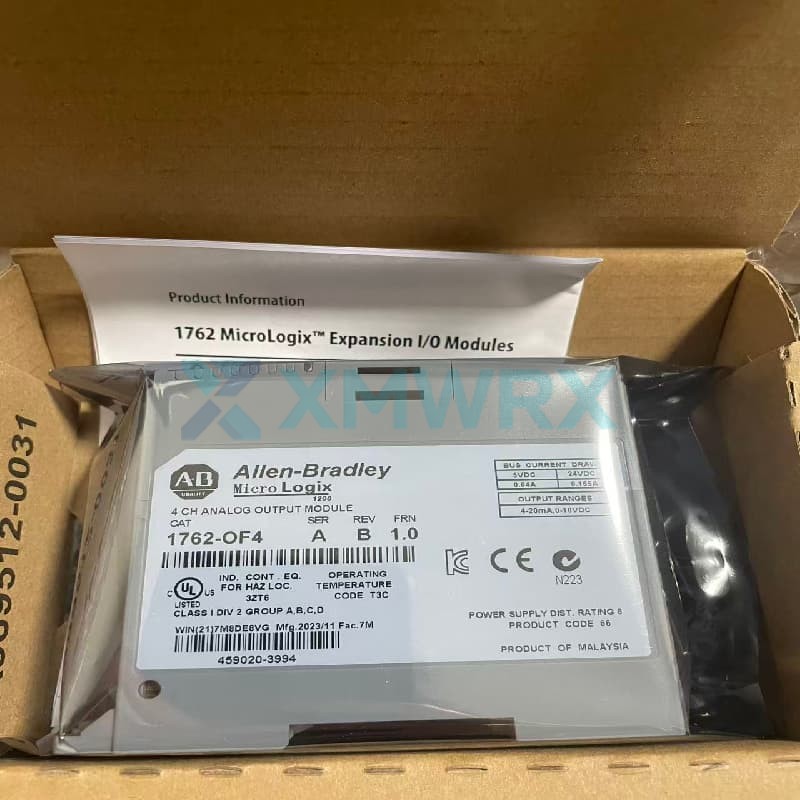
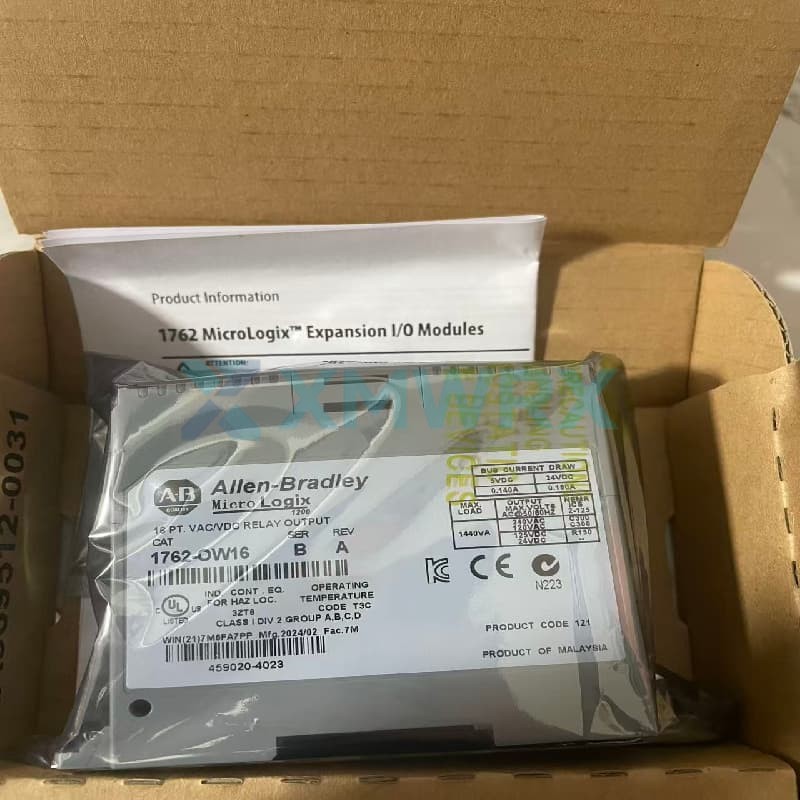
Allen Bradley 1762-IQ16/A A 16-point digital input expansion module from the MicroLogix series.
Brand :
Allen BradleyThe 1762-IQ16/A is a 16-point digital input expansion module from Rockwell Automation's MicroLogix series.
Designed specifically for MicroLogix 1100, 1200, and 1400 series programmable logic controllers (PLCs), it increases the number of input points in control systems. This module supports both sink and source wiring at 24V DC, offering flexible compatibility with various sensor types. Its compact design allows for DIN rail or panel mounting, making it suitable for various industrial automation field signal acquisition scenarios.

| Brand |
Allen Bradley |
| Model / Part Number | 1762-IQ16/A |
| Product Series | MicroLogix 1762 Expansion Module |
| Compatible Controllers | MicroLogix 1100 / 1200 / 1400 Series |
| Input Points | 16 digital inputs |
| Voltage Type | 24V DC, Sink/Source |
| Operating Voltage Range | 10…30V DC @ 30°C; 10…26.4V DC @ 55°C |
| Input Current | 8.0 mA (typical @ 24V DC); 12.0 mA (maximum @ 30V DC) |
| On/Off Delay | 8.0 ms (on/off) |
| Isolation Groups | 2 groups (inputs 0-7 and 8-15), inter-group isolation |
| Bus Current Consumption | 70 mA @ 5V DC |
| Dimensions (H x W x D) | 90 x 40.4 x 87 mm |
| Power Consumption | Maximum 5.4 W @ 30V |
| Operating Temperature | -20 to 65 °C |
| Mounting Method | DIN rail or panel mount |
Q: What types of field devices can the 1762-IQ16/A connect to?
A: This module can connect to various 24V DC discrete signal devices. Typical applications include limit switches, buttons, relay contacts, proximity sensors, and photoelectric sensors. Because it supports both sinking and sourcing wiring, both PNP (sourcing) and NPN (sinking) sensors can be directly connected without additional conversion modules.
Q: Why is the input indicator light on, but the PLC program cannot read the signal?
A: The input indicator light being on only indicates that voltage has been detected at the module input, but it does not mean that the signal has been correctly transmitted to the controller. Common causes include: ① Poor connection of the expansion bus between the module and the controller (check if the flat cable is plugged in tightly); ② The slot in the module's I/O configuration does not match the program address; ③ The point is covered or disabled by other logic in the program. It is recommended to first confirm whether the I/O configuration in the RSLogix 500 software correctly maps the module.
Q: How many modules can the 1762-IQ16/A expand with at most?
A: The number of expansion modules depends on the controller model used:
With MicroLogix 1100: Up to 4 expansion modules
With MicroLogix 1200: Up to 6 expansion modules
With MicroLogix 1400: Up to 7 expansion modules During installation, ensure that the distance between the modules and the system power supply does not exceed 6 module slots.
leave a message
Scan to Wechat :
Scan to WhatsApp :